Due to changes in Roblox policy, starting April 2023, the amount of Robux you will be able to redeem depends on your local currency and might differ from the listed amount.
How to Activate your Roblox Voucher
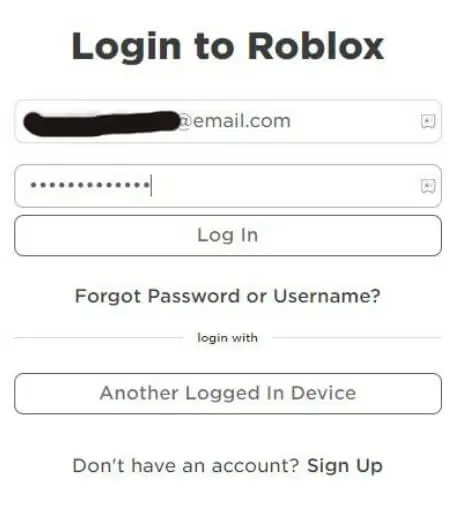
Log into the Roblox account where you redeemed the gift card.
Go to the membership purchase page or the Robux purchase page.
Select the product you want to purchase.
Select Roblox Credit as the payment type and click Continue.
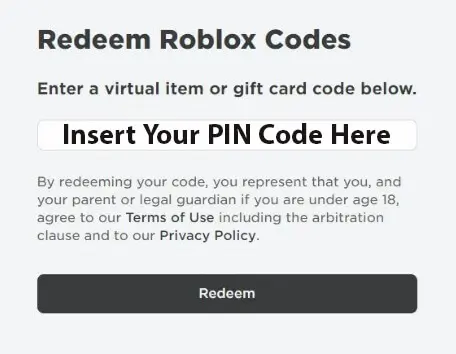
Click Submit Order. Do not re-enter your gift card PIN if you have already redeemed your gift card.
Converting Remaining Credit to Robux
Login to your Roblox account
Click the Gear in the upper right corner to navigate to your Settings page
Select the Billing Tab
Click the Convert To Robux button
You will receive a confirmation screen, click Redeem to complete the conversion or Cancel to not convert the credit.
Your Robux balance will be updated after refreshing your current page or navigating to a new page
Note:
This product is non-returnable and non-refundable.